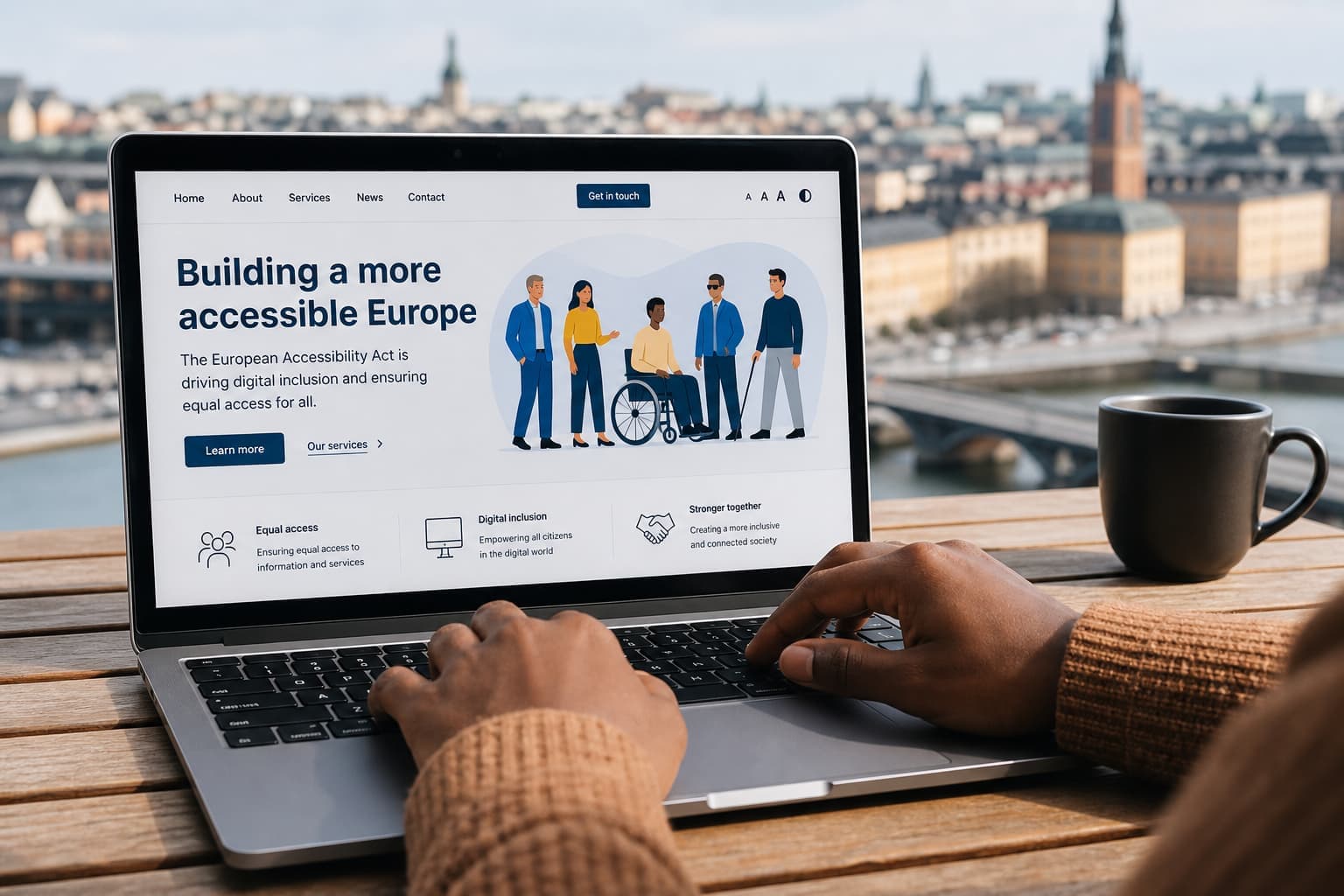
The European Accessibility Act (EAA) is now in force, and it changes what many businesses must do to sell into the EU. If you're trying to understand EAA compliance — who it applies to, what the deadlines are, and how to actually meet it — this guide walks through it in plain terms, and how to get started with a free accessibility check. If you want tools to find and fix issues on your own site, see our EAA compliance software and widget.
This is general information, not legal advice. Requirements vary by product, sector, and member state — confirm your obligations with qualified counsel.
What is the European Accessibility Act?
The European Accessibility Act is an EU directive that sets common accessibility requirements for a range of products and services sold in the European Union. Its goal is to harmonise rules across member states so that people with disabilities can use everyday digital products and services on equal terms.
It applies from 28 June 2025. Businesses that place covered products or services on the EU market on or after that date are expected to meet its requirements, with some transitional periods for specific cases.
Who does the EAA apply to?
The EAA covers organisations that offer certain products and services in the EU — including businesses based outside the EU that sell into it. Commonly affected areas include:
- E-commerce websites and mobile apps
- Online banking and consumer financial services
- Transport booking and ticketing services
- Telecommunications services
- E-books and dedicated reading software
Microenterprises providing services (fewer than 10 staff and under €2m turnover) may be exempt from some obligations, but many still choose to comply for reach and reputation. Check your specific status carefully.
What does EAA compliance actually require?
The EAA itself sets functional accessibility requirements rather than line-by-line technical rules. In practice, conformance is demonstrated against the harmonised European standard EN 301 549, which in turn references the Web Content Accessibility Guidelines (WCAG) — typically Level AA — for web content.
The version in force today, EN 301 549 V3.2.1, uses WCAG 2.1 Level AA. A new version, V4.1.1, was published on 2 September 2026 and uses WCAG 2.2 Level AA. It is expected to take legal effect in December 2026. WCAG 2.2 AA includes all of 2.1 AA, so building to 2.2 AA meets both. See WCAG 2.1 vs 2.2 for what changed.
So for a website or app, meeting EAA compliance largely means meeting WCAG. That includes things like:
- Text alternatives for images and sufficient colour contrast
- Full keyboard operability and visible focus
- Clear structure with real headings, labels, and landmarks
- Forms that identify errors and support correction
- Content that works with screen readers and other assistive technology
You'll also generally need to document your accessibility, often via an accessibility statement describing conformance and any known limitations.
What happens if you don't comply?
Enforcement is handled by national authorities in each member state, and penalties vary — they can include fines, corrective orders, and restrictions on offering non-compliant products or services. Beyond legal risk, inaccessible services exclude a large audience: tens of millions of people in the EU live with a disability, and accessible sites also tend to perform better on usability and SEO.
How to work toward EAA compliance
- Get a baseline. Run a WCAG accessibility scanner on your key pages to find code-level issues fast and get an overall score.
- Fix structural barriers. Prioritise keyboard access, labels, contrast, and heading structure — the issues that appear in almost every audit.
- Give visitors control now. Add an accessibility widget so users can adjust contrast, text size, and reading settings while development continues. It improves usability today but does not, by itself, make a site compliant.
- Test with assistive technology. Automated tools catch part of the picture; verify key flows with a keyboard and a screen reader.
- Document and monitor. Keep an accessibility statement, track fixes, and re-scan after major releases with ongoing accessibility scans.
How Inclusense helps
Inclusense gives you two practical parts of an EAA programme in one place: a WCAG scanner and audit to find and prioritise issues, and an accessibility widget that lets visitors tailor the experience. We're deliberately honest about the limits — no widget or scanner guarantees legal compliance, and the EAA expects genuine accessibility, not a surface-level overlay. Used together with manual testing and remediation, our tools help you make measurable progress and document it. See the EAA compliance widget page for how visitor tools fit into a broader programme.
Frequently asked questions
When did the European Accessibility Act take effect?
The EAA applies from 28 June 2025. Covered products and services placed on the EU market from that date are expected to meet its accessibility requirements, subject to some transitional arrangements.
Does EAA compliance mean WCAG compliance?
Effectively, for web content, yes. Conformance is assessed against EN 301 549. The version in force today uses WCAG 2.1 AA, and the new V4.1.1 (published 2 September 2026, expected to take effect in December 2026) uses WCAG 2.2 AA. Building to WCAG 2.2 AA is the practical path to EAA compliance for websites and apps.
Does the EAA apply to businesses outside the EU?
Yes. If you place covered products or services on the EU market, the EAA can apply regardless of where your business is based.
Can a widget make my site EAA compliant on its own?
No. An accessibility widget improves usability for visitors but does not fix underlying code issues. EAA compliance requires accessible content, tested against WCAG, plus documentation — not just an overlay.
No tool or article guarantees legal compliance. Use this as orientation, then combine automated testing, manual review, and professional advice. Ready to start? Run a free accessibility checker or start a free trial.