If you sell software or a digital service to a government agency, a university or a large company, sooner or later someone in procurement will ask: "Can you send us your VPAT?" Plenty of teams hear that for the first time halfway through a deal and have no idea what it means.
The good news is that a VPAT is less scary than it sounds. It's a standard document that explains how accessible your product is, and you can prepare one yourself. This guide covers what a VPAT is, how it differs from an ACR, which edition you need, and how to get one written without stalling the sale.
What is a VPAT?
VPAT stands for Voluntary Product Accessibility Template. It's a free template, published by the Information Technology Industry Council (ITI), that vendors use to describe how well a product meets accessibility standards such as WCAG and Section 508.
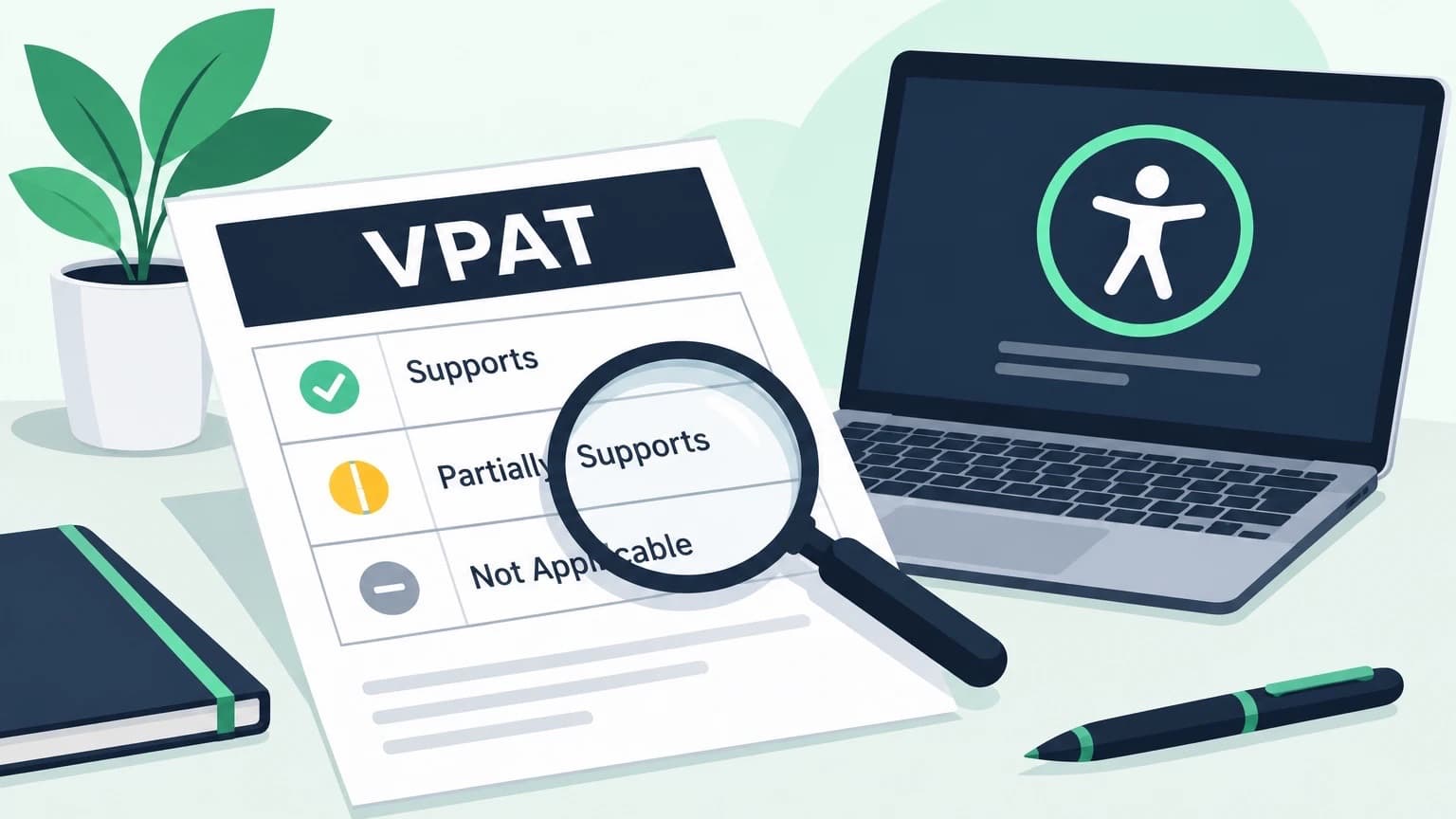
In plain terms, a VPAT is a structured self-report. It lists each accessibility requirement and, for each one, you state whether your product supports it, partly supports it or doesn't support it, with a short explanation. A buyer can then compare products side by side and see what gaps they'd be taking on.
The word "voluntary" is a little misleading. No law forces you to publish one, but many buyers won't consider a product without it, so in practice it often isn't optional.
VPAT vs ACR: what's the difference?
This trips up a lot of people, because the two terms get used as if they mean the same thing.
- The VPAT is the blank template.
- The ACR (Accessibility Conformance Report) is the finished document you get once you've filled the template in for your product.
So when a buyer asks for "your VPAT", they almost always mean your completed ACR. You don't need to correct them, but it helps to know that what you actually send is the report, not the empty form.
Who needs a VPAT?
VPATs started with US federal purchasing. Under Section 508 of the Rehabilitation Act, federal agencies have to buy technology that people with disabilities can use, and the VPAT became the standard way for vendors to show that. If you want to understand how that law fits alongside the ADA, our guide to ADA vs WCAG vs Section 508 explains it.
Today you'll usually be asked for one if you sell to:
- US federal agencies and many state and local governments
- Universities and colleges, which often check accessibility before buying software
- Large companies with accessibility built into their procurement rules
- Public sector buyers in the EU, who look for conformance with the European standard EN 301 549
If your product is a website, a SaaS app, a mobile app, software, hardware or even documentation and support services, a VPAT can cover it.
The four VPAT editions
ITI publishes the template in four editions. Which one you use depends on who you're selling to.
- Section 508 edition: for US federal buyers. It covers the revised Section 508 standards, which include WCAG 2.0 Level A and AA plus extra sections for software, hardware and support documentation. Our Section 508 compliance page covers what the law asks for.
- WCAG edition: for buyers who only care about WCAG. It covers WCAG 2.0, 2.1 and 2.2, and you can report against the version and level your buyer asks for.
- EU edition: for European buyers, based on EN 301 549, the standard behind EU public sector accessibility rules and the European Accessibility Act.
- INT (International) edition: covers Section 508, WCAG and EN 301 549 in one document. If you sell in more than one market, this saves you keeping three reports in sync.
The current version is VPAT 2.5, and its latest revision (often labelled 2.5Rev) added WCAG 2.2. Always download the newest template from ITI rather than reusing an old copy, because buyers notice when a report still uses an outdated version.
What's inside a VPAT
Every edition follows roughly the same shape:
- Product details: name, version, a short description and the date of the report.
- Evaluation methods: how you tested, for example automated scans, keyboard testing and screen readers.
- Applicable standards: which standards and levels the report covers.
- Conformance tables: the main part. One row per requirement, each with a conformance level and remarks.
- Legal disclaimer: an optional section many companies add.
For each requirement you choose one of these conformance levels:
- Supports: the product meets the requirement without known problems.
- Partially Supports: some features don't meet it.
- Does Not Support: most of the product doesn't meet it.
- Not Applicable: the requirement doesn't apply, for example caption rules for a product with no video.
- Not Evaluated: only allowed in limited cases, such as WCAG Level AAA criteria.
A VPAT example row
Here's what a single filled-in row might look like for a web app. It's the remarks column that buyers actually read, so this is where the effort should go.
Criterion: 1.4.3 Contrast (Minimum), Level AA
Conformance level: Partially Supports
Remarks: Body text and buttons meet a 4.5:1 contrast ratio. Placeholder text in the search field and some chart labels on the reports page fall below it. Fixes are planned for the next release.
Notice what that row does well. It's specific, it names where the problem is, and it says what happens next. "Partially Supports" with no explanation tells a buyer nothing, and it makes them wonder what you're hiding.
How to get a VPAT
There's no certifying body that issues VPATs. You produce the report yourself, or pay someone to produce it for you. Either way, the steps are the same.
- Download the right edition. Get the latest template from ITI's website and pick the edition that matches your buyers. If in doubt, the INT edition covers the most ground.
- Decide the scope. Be clear about which product, version and platforms the report covers. A report for your web app doesn't cover your mobile app.
- Run an automated scan. A WCAG scanner quickly finds the issues software can measure, like contrast, missing labels and alt text. It's a starting point, not the whole job.
- Test by hand. Go through your key tasks with only a keyboard, then with a screen reader. Automated tools miss most of what matters here. Our guide on how to test website accessibility walks through it step by step.
- Fill in each row honestly. Record the conformance level and write clear remarks, like the example above.
- Review and publish. Have someone who didn't do the testing read it through, then date it and share it with buyers or put it on your website.
For a simple product, a team that knows accessibility can do this in-house. For a large or complex product, or when a big contract depends on it, many companies bring in an outside team for an accessibility audit and have them write the report. Buyers tend to trust a third-party report more, because it's harder to mark your own homework generously. If you're not sure what that process involves, see what is an accessibility audit.
How to fill out a VPAT well
A few habits separate a useful report from one that gets sent back:
- Test before you write. Never fill in "Supports" from memory or from what the design was supposed to do.
- Be specific in the remarks. Name the page, feature or component, and say what doesn't work.
- Don't hide behind "Not Applicable". Use it only when a requirement truly doesn't apply.
- Mention workarounds and plans. If something is being fixed, say roughly when.
- Keep the language plain. The person reading it may be a procurement officer, not a developer.
How to read a VPAT (if you're the buyer)
If you're on the other side of the deal, a VPAT is only useful if you read it critically.
- Check the date and version. A report from three years ago probably doesn't describe the product you're buying.
- Look at how it was tested. "Automated testing only" should make you cautious.
- Read the remarks, not just the levels. A page full of "Supports" with no remarks is a warning sign, not a good result.
- Focus on what your users will do. A gap in an admin screen nobody uses matters less than one in the main workflow.
- Ask follow-up questions. A vendor who can explain their "Partially Supports" rows clearly is usually one who takes accessibility seriously.
Common VPAT mistakes
- Marking everything "Supports". Almost no product fully conforms. An all-green report looks less believable, not more.
- Using an old template. Buyers increasingly expect WCAG 2.1 or 2.2, not just 2.0.
- Never updating it. Your product changes every release. The report should too, at least once a year or after any major redesign.
- Calling it a certification. It isn't one, and claiming otherwise can backfire.
- Treating it as paperwork. The real value is the testing behind it. The issues you find are issues your users are hitting today.
Frequently asked questions
Is a VPAT a certification?
No. There's no official VPAT certification or "VPAT compliance" stamp. A VPAT is a self-reported document. Its credibility comes from how carefully the testing was done, and whether an independent team did it.
Is a VPAT legally required?
Not by law in itself. But US federal agencies, many state governments and universities require one before they'll buy, and so do a growing number of private companies.
Can I write my own VPAT?
Yes. The template is free, and many companies complete it in-house. What matters is that the testing is real and the remarks are honest. For high-stakes contracts, a third-party evaluation carries more weight.
How long is a VPAT valid?
There's no official expiry date. Most buyers expect a report from the last 12 months, and it should be updated whenever the product changes significantly.
What does VPAT 2.5 change?
VPAT 2.5 is the current version of the template. Its latest revision added WCAG 2.2 criteria, so you can report against the newest version of the guidelines.
Where can I find a VPAT template?
Download it for free from the ITI website, which publishes the latest version of all four editions. Avoid copies from other sites, as they're often out of date.
A VPAT is easiest to write when you already know where your product stands. Start with a free accessibility scan to find the obvious issues, test the main tasks by hand, and fix what you can before you fill in the first row. The report then becomes a record of work you've already done, not a list of surprises.